
Natural Notes4.0 - Get APK
You'll be able to download in few seconds.
Publisher Description
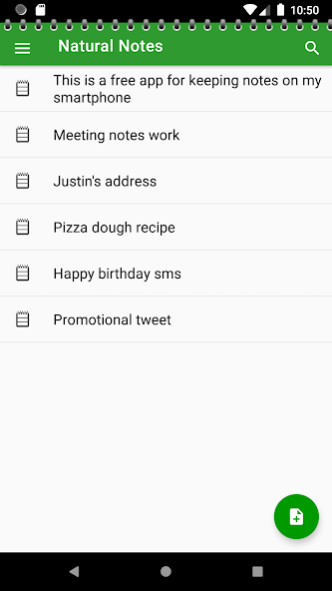
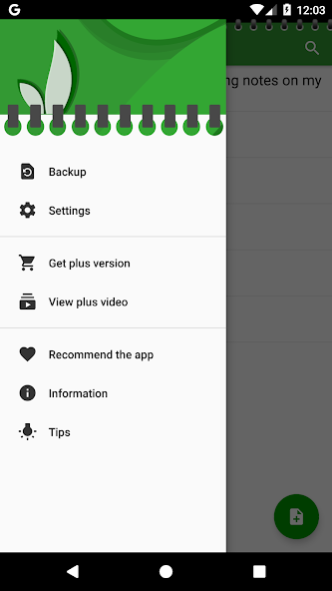
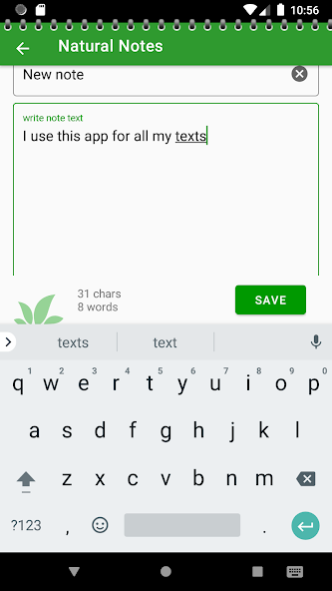
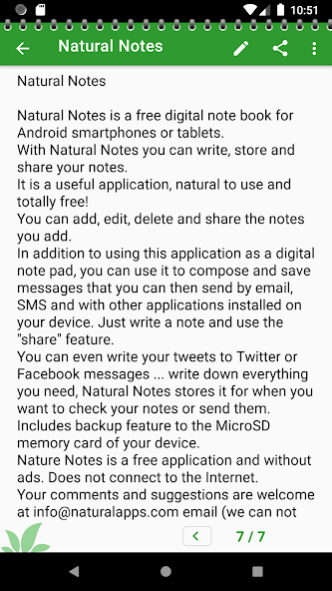
Natural Notes is a free digital notebook for Android smartphones or tablets.
We are aware that there are many notepad apps, what makes our different?
This is our attempt of combining useful and the easy to use.
With Natural Notes you can write, store and share your notes.
It is a useful application, natural to use and totally free!
You can add, edit, delete and share the notes you add.
In addition to using this application as a digital notepad, you can use it to compose and save messages that you can then send by email, SMS and with other applications installed on your device. Just write a note and use the "share" feature.
You can even write your tweets to Twitter or Facebook messages ... write down everything you need, Natural Notes stores it for when you want to check your notes or send them.
Natural Notes is a free application and without ads. Does not connect to the Internet.
This app is not cloud based, so the information you enter into the app will be saved on the internal memory of your device.
Your backups use the internal memory. This app needs access permission during backup or restore operations. You, the user, choose the destination where to save the backup copy in Settings.
You can open any .txt file on your device with Natural Notes and save it as a note (.txt files you receive via Bluetooth, as an email attach, etc).
New design for large tablets.
Improved portuguese translation. Thank you Bernardo!
Improved french translation. Thank you Philippe!
Improved style for large non-Honeycomb tablets.
Improved translation into Italian and Portuguese.
Version 2.9
If there is no title for the note it will set automatically.
Improved design on Android Ice Cream and Jelly Bean versions.
Added more options to the new Settings screen.
Double tap note text to open edit mode.
Added option to insert date and time to text or title name on double tap.
More control over your backups: you can now choose the folder on your device in the settings screen.
Various bug fixes.
Version 4.0
NEW modernized look
NEW added list items multiselect on long press
NEW improved backup and restore functions
NEW added duplicate note function
NEW added tips
Your comments and suggestions are welcome at info@naturalapps.com email
About Natural Notes
The company that develops Natural Notes is Natural Apps. The latest version released by its developer is 4.0.
To install Natural Notes on your Android device, just click the green Continue To App button above to start the installation process. The app is listed on our website since 2020-05-05 and was downloaded 0 times. We have already checked if the download link is safe, however for your own protection we recommend that you scan the downloaded app with your antivirus. Your antivirus may detect the Natural Notes as malware as malware if the download link to com.naturalapps.notas is broken.
How to install Natural Notes on your Android device:
- Click on the Continue To App button on our website. This will redirect you to Google Play.
- Once the Natural Notes is shown in the Google Play listing of your Android device, you can start its download and installation. Tap on the Install button located below the search bar and to the right of the app icon.
- A pop-up window with the permissions required by Natural Notes will be shown. Click on Accept to continue the process.
- Natural Notes will be downloaded onto your device, displaying a progress. Once the download completes, the installation will start and you'll get a notification after the installation is finished.
Program Details
System requirements
Download information
Pricing
Version History
version 4.0
posted on 2020-05-05
- modernized look
- added list items multiselect on long press
- improved backup and restore functions
- added duplicate note function
- added tips
version 2.9
posted on 2020-04-27
If there is no title for the note it will set automatically.
Improved design on Android Ice Cream and Jelly Bean versions.
Added more options to the new Settings screen.
Double tap note text to open edit mode.
Added option to insert date and time to text or title name on double tap.
More control over your backups: you can now choose the folder on your device in the settings screen.
Various bug fixes.
version 2.2
posted on 2011-04-01
Several fixes and updates
Disclaimer
External Download
We do not host Natural Notes on our servers. We did not scan it for viruses, adware, spyware or other type of malware. This app is hosted by Galad and passed their terms and conditions to be listed there. We recommend caution when installing it.
The APK Download link for Natural Notes is provided to you by apps112.com without any warranties, representations or guarantees of any kind, so access it at your own risk.
If you have questions regarding this particular app contact the publisher directly. For questions about the functionalities of apps112.com contact us.
